New WIP house:
(Picture overload ahead)
The house:
Front door
Front porch
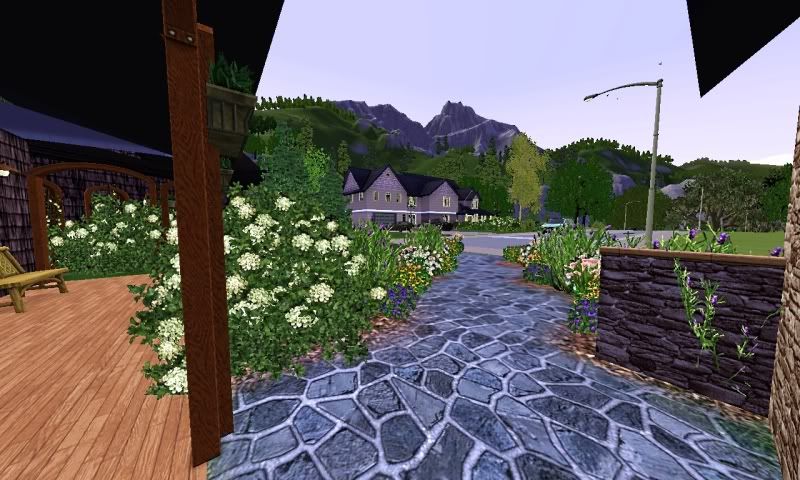
Front walkway (my legacy house "The House That Love Built" is in the back ground--it's also on my blog for download)
Yellow Rose Trellis
Breeze-way
Outdoor kitchen
Back porch
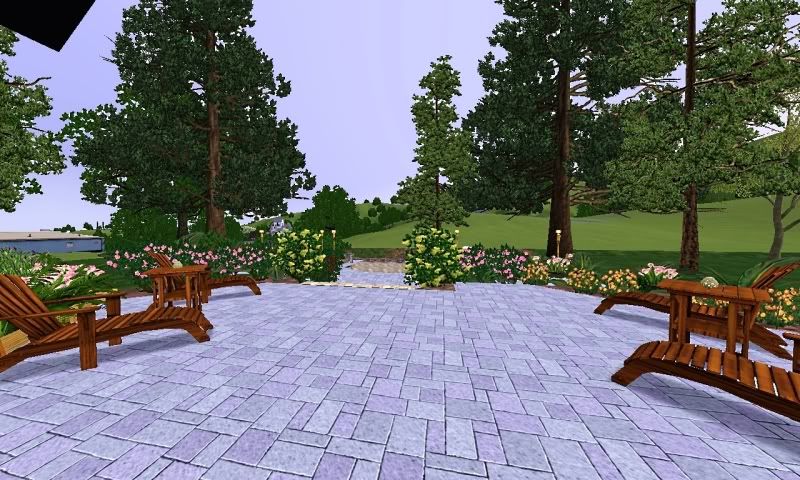
Pool/hot-tub area
Calla-lily garden
Hidden treehouse
Over-view of backyard
Back porch
Family room
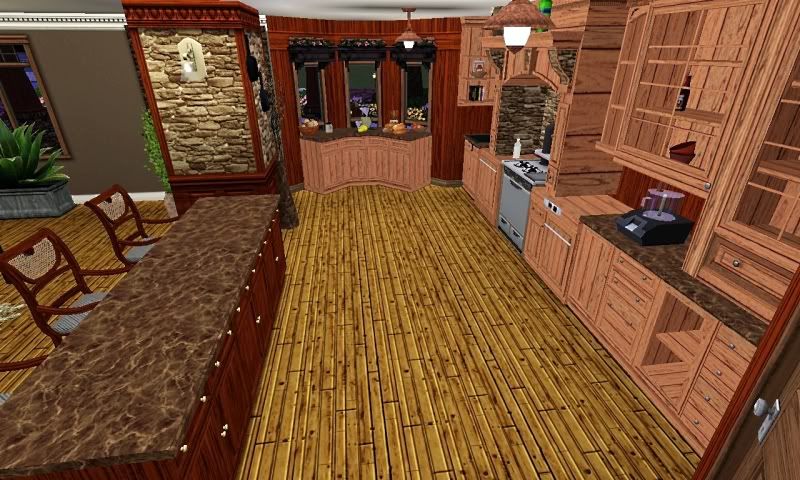
Kitchen and pantry
Dining Room
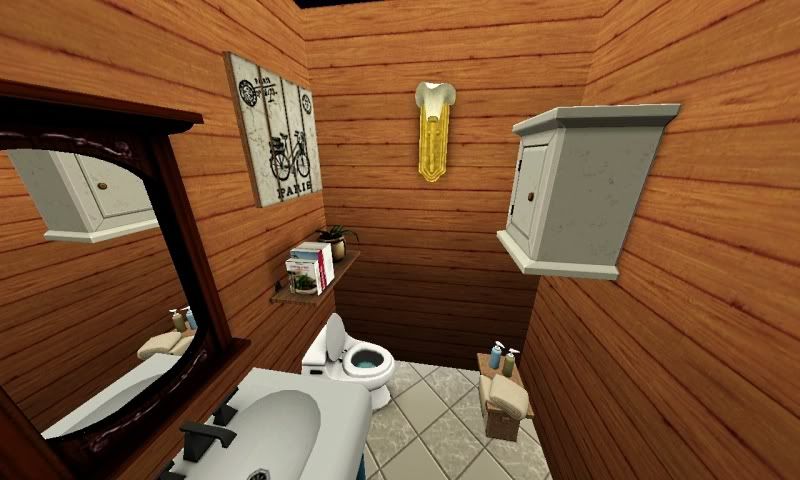
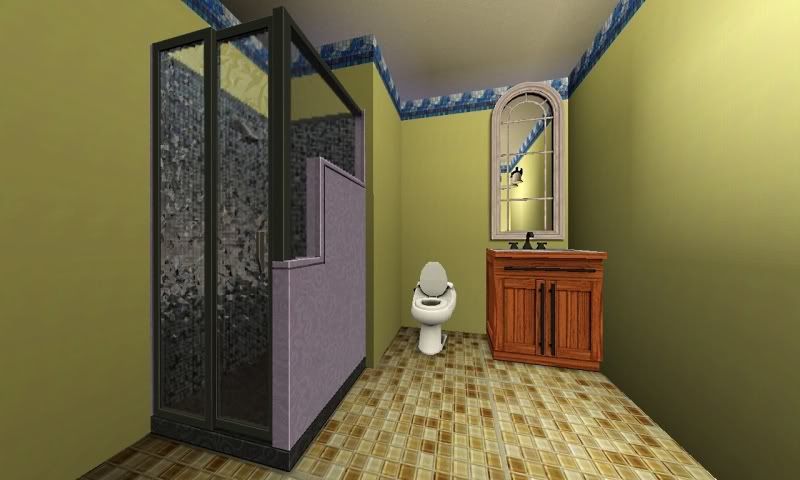
Half Bath
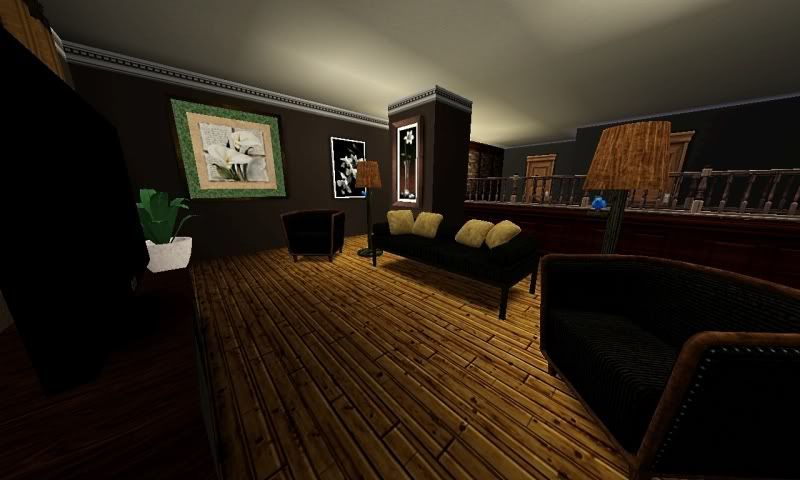
Living room on 2nd floor
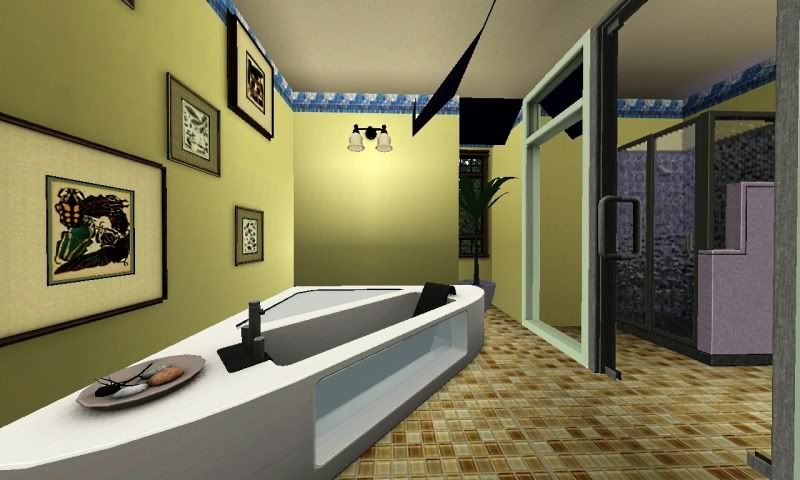
2nd floor bathroom (not sure if I'll keep it like this--not crazy about the color scheme of it since I just threw it together)
Still have a lot of work to do on this house, like the 2 bedrooms with baths plus the master bedroom with the master/private bathroom...will update as I go! :D
Saturday, June 18, 2011
Thursday, June 16, 2011
TMN
Thank you for watching my back when no one else did. I did not know, at the time, that I could get perma-banned for it.
Monday, June 13, 2011
Haven't really updated my blog in a while
Just looking over my blog and realized I hadn't uploaded anything new in a while. I'm working on a new house that should be ready sometime this week, and I will get it uploaded here then! :D
Tuesday, June 7, 2011
Friezes Cheat
I was helping a user on the official site and came to realize that a lot of people do not know about this cheat. So I decided to post it here for anyone interested in this cheat.
Building Tip: Friezes
Okay, so this extends from the question that I asked yesterday (found here).
While mucking around with the Sims this morning, I discovered that the "layer" I was talking about was not, in fact, a constrained floor, but rather a "frieze". I'm guessing this may be new to Ambitions (or not) since I'd never seen it before.
Anyway, to achieve this effect, press CTRL+SHIFT+C to open your cheats window and type placeFriezes on. This then changes the function of the deck foundation, allowing it to be placed higher than normal (above a floor), and rather than the normal ugly deck pattern, it has blank walls.
Of course, type placeFriezes off to return the decks to normal.
Also, I should point out that I'm not sure if testingcheatsenabled needs to be on or not. I had it turned on when I discovered this trick, but didn't think to test it again with it turned off.
Edit:
Seems this common knowledge of at TSR, but I'm sorta pumped that I worked this out on my own. LoL.
Above text link
Building Tip: Friezes
Okay, so this extends from the question that I asked yesterday (found here).
While mucking around with the Sims this morning, I discovered that the "layer" I was talking about was not, in fact, a constrained floor, but rather a "frieze". I'm guessing this may be new to Ambitions (or not) since I'd never seen it before.
Anyway, to achieve this effect, press CTRL+SHIFT+C to open your cheats window and type placeFriezes on. This then changes the function of the deck foundation, allowing it to be placed higher than normal (above a floor), and rather than the normal ugly deck pattern, it has blank walls.
Of course, type placeFriezes off to return the decks to normal.
Also, I should point out that I'm not sure if testingcheatsenabled needs to be on or not. I had it turned on when I discovered this trick, but didn't think to test it again with it turned off.
Edit:
Seems this common knowledge of at TSR, but I'm sorta pumped that I worked this out on my own. LoL.
Above text link
Wednesday, May 25, 2011
I made The Mares Nest
Awesome. I love you guys
so you'll find no hard feelings here. I agree, he does look like a spawn from "The Planet of the Apes".
Oh and one more thing, very little, last time I checked...my username only had one "s" in it.
Two new machinima's
These are my two new machinima's.
Part 1 is "Broken Heart" which is the prelude to "Evil Motives".
It shows the evil girl and the male starting up a short relationship. She finds out he was leading her on and is very much involved with another girl.
Song is "My Immortal (rock version)" by Evanescence
Part 2 is "Evil Motives".
A woman can't let go or move on from a relationship she once had. Her ex has moved on, and is clearly happy with his new love.
The scorned woman thinks that if she removes the new woman in his life he will go back to her, so she gets an evil plan to burn the house down in hopes it will kill the girl.
It does, and she thinks she's gotten away with "murder" . During the fire scene, he calls to his beloved to leave the house. Thinking she is behind him, he runs out of the house no knowing she is trapped by the fire. Thinking she has gotten away with murder she makes one little slip up, she goes to the church that the deceased girl is at, and unknowingly, her ex shows up to mourn his beloved. It is at the moment he see's his ex that he realizes it was her that cause the house fire, and more importantly, the death of his new love. He knows this because no one was around at the time of the fire.
The scorned woman thinks that if she removes the new woman in his life he will go back to her, so she gets an evil plan to burn the house down in hopes it will kill the girl.
It does, and she thinks she's gotten away with "murder" . During the fire scene, he calls to his beloved to leave the house. Thinking she is behind him, he runs out of the house no knowing she is trapped by the fire. Thinking she has gotten away with murder she makes one little slip up, she goes to the church that the deceased girl is at, and unknowingly, her ex shows up to mourn his beloved. It is at the moment he see's his ex that he realizes it was her that cause the house fire, and more importantly, the death of his new love. He knows this because no one was around at the time of the fire.
Song is "Helena" by My Chemical Romance
I hope you enjoy these two machinima's. I've put a lot of work into both of them, story-wise and directing/editing. If you like these, keep an eye out because these are just part 1 and 2 of 3. 3 will start soon! So keep an eye out to see how the story comes together and ends! :)
Tuesday, May 3, 2011
And machinima's
If any of you that are following me have seen (maybe here, or over on thesims3.com) I have made my second machinima the other day. I'm very proud of the video, especially since it's only my second attempt at making a video after I made my first video (Yes! by Chad Brock) which looked...well, horrible compared to how the second one looks. I love the song "Somewhere Only We Know" by Keane and for weeks had been plotting a storyline, I even hinted at one point on another site that I was thinking of making a machinima to this song. I really wanted the video to look as good as I envisioned it, and in order to do that I knew I would have to learn the tricks of the game to make a good video.
The first thing I learned was about camera placement. I knew how to "tab" and get the good camera, but didn't know about the ctrl +5-9 pre-set camera angles you could add. This was so cool and helpful since I do not have a steady hand, and to get the camera back in a certain position to make it appear like a sim is vanishing or suddenly appearing....and with a baby climbing on me, I needed all the steadiness help I could get. I tried doing my video...it was chopping and lagged in certain places. I thought "well, not much I can do about it right now...my processor seems to need to upgraded". I really thought it was my computer causing the choppiness of my video. I then found the trick to make smooth camera movements and how to show your video in HD. This meant I would have to manipulate the file. I'll admit, I was nervous about doing that. I read very closely how to do it, saved the original file, changed the existing file, and fired up my game. Fingers crossed the game wouldn't suddenly be corrupted and crash, or worse, corrupt to the point I lose all my saved games/houses/sims. To my surprise, the game started up fine. I tested the video camera and panicked a little. The record moved so slowly and what seemed choppy. Oh no. I stopped the video and went to find the saved recording in my file. I played it expecting to see exactly what I had seen in the game--lagging and choppiness. Much to my delight....it was smooth, crisp and perfect. Exactly what I wanted. It then clicked....it moves slowly so you can control the camera more precisely at the times you want to move it. I played with it a few more times...grinning like an idiot the entire time. I figured out how to make my videos look like I had seen others do.
I finished the video and watch the generated preview. It was leaving stuff out, cutting scenes short. Oh no. I messed around with them for a while with no luck. I sighed heavily and decided that I would have to deal with it the way it was since I figured it was due to my crappy video editing program. After it compressed,saved and uploaded to youtube I went online to watch my video. I was not expecting what I saw. Everything was there. All the fad in's and out's, all the actions I thought it had cut out. It was then that I realized the preview was just that...a quick view of what the movie would look like. I was tickled pink with the result. I watched it several times before showing it on thesims3.com forums. I wasn't expecting a lot of views, or many comments, but what I really didn't expect was how much the people who did respond would like it as much as I do.
I've got a new high. A new "project" to do in my game now. Machinima's. I'm thinking of my next one. I got the song, I'm figuring out the plot, and trying to figure out how to get a certain action to work in the video. Hopefully I will learn a few more things, and it will be even better looking than "Together Forever". So, from here on out...be prepared to see my lots, simmies, and machinima's. :D
The first thing I learned was about camera placement. I knew how to "tab" and get the good camera, but didn't know about the ctrl +5-9 pre-set camera angles you could add. This was so cool and helpful since I do not have a steady hand, and to get the camera back in a certain position to make it appear like a sim is vanishing or suddenly appearing....and with a baby climbing on me, I needed all the steadiness help I could get. I tried doing my video...it was chopping and lagged in certain places. I thought "well, not much I can do about it right now...my processor seems to need to upgraded". I really thought it was my computer causing the choppiness of my video. I then found the trick to make smooth camera movements and how to show your video in HD. This meant I would have to manipulate the file. I'll admit, I was nervous about doing that. I read very closely how to do it, saved the original file, changed the existing file, and fired up my game. Fingers crossed the game wouldn't suddenly be corrupted and crash, or worse, corrupt to the point I lose all my saved games/houses/sims. To my surprise, the game started up fine. I tested the video camera and panicked a little. The record moved so slowly and what seemed choppy. Oh no. I stopped the video and went to find the saved recording in my file. I played it expecting to see exactly what I had seen in the game--lagging and choppiness. Much to my delight....it was smooth, crisp and perfect. Exactly what I wanted. It then clicked....it moves slowly so you can control the camera more precisely at the times you want to move it. I played with it a few more times...grinning like an idiot the entire time. I figured out how to make my videos look like I had seen others do.
I finished the video and watch the generated preview. It was leaving stuff out, cutting scenes short. Oh no. I messed around with them for a while with no luck. I sighed heavily and decided that I would have to deal with it the way it was since I figured it was due to my crappy video editing program. After it compressed,saved and uploaded to youtube I went online to watch my video. I was not expecting what I saw. Everything was there. All the fad in's and out's, all the actions I thought it had cut out. It was then that I realized the preview was just that...a quick view of what the movie would look like. I was tickled pink with the result. I watched it several times before showing it on thesims3.com forums. I wasn't expecting a lot of views, or many comments, but what I really didn't expect was how much the people who did respond would like it as much as I do.
I've got a new high. A new "project" to do in my game now. Machinima's. I'm thinking of my next one. I got the song, I'm figuring out the plot, and trying to figure out how to get a certain action to work in the video. Hopefully I will learn a few more things, and it will be even better looking than "Together Forever". So, from here on out...be prepared to see my lots, simmies, and machinima's. :D
Monday, May 2, 2011
Saturday, April 30, 2011
Saturday, April 16, 2011
Thursday, April 14, 2011
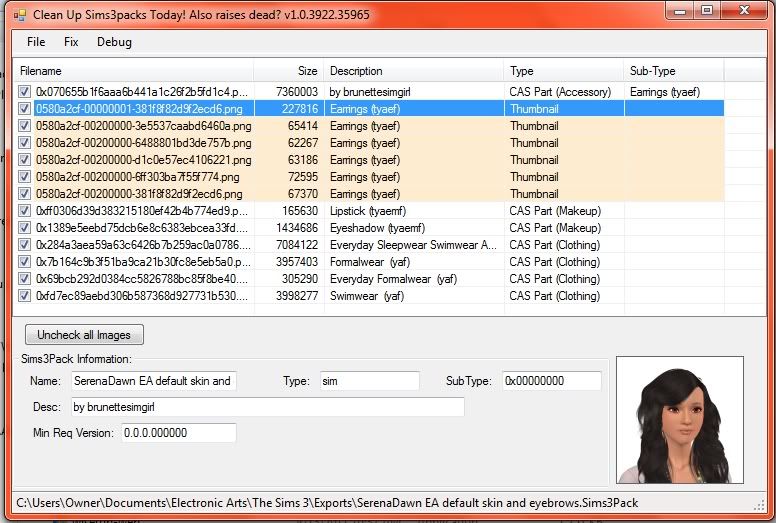
SerenaDawn Asian Sim
Asian Sim I made for SerenaDawn. :)
Download here via mediafire (she wouldn't upload to my sims 3 studio...shocking!):
Tuesday, April 5, 2011
Monday, April 4, 2011
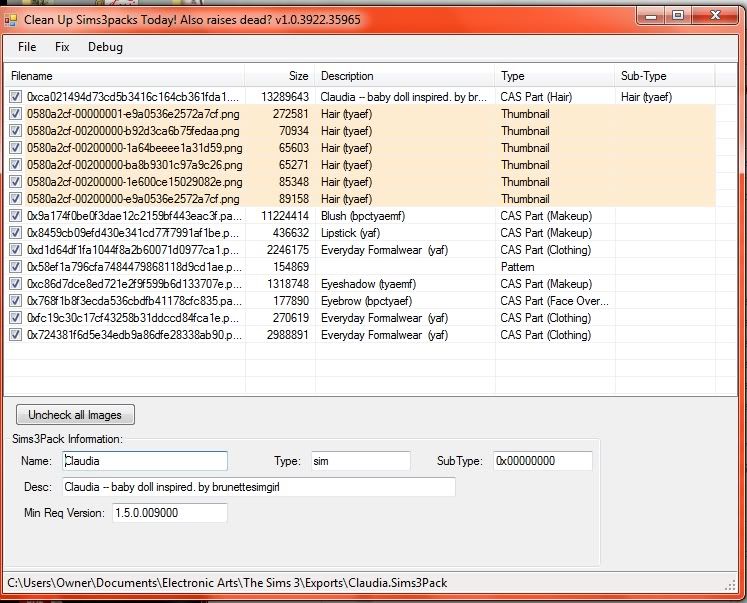
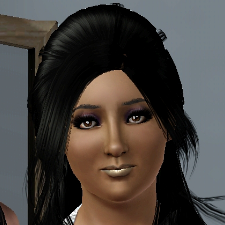
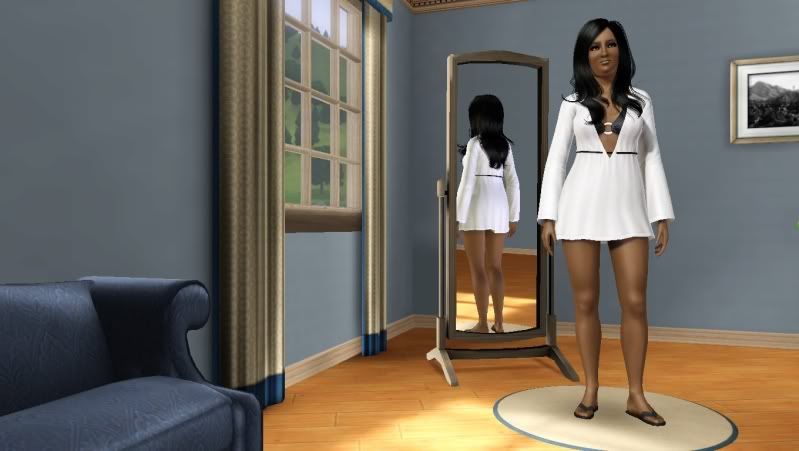
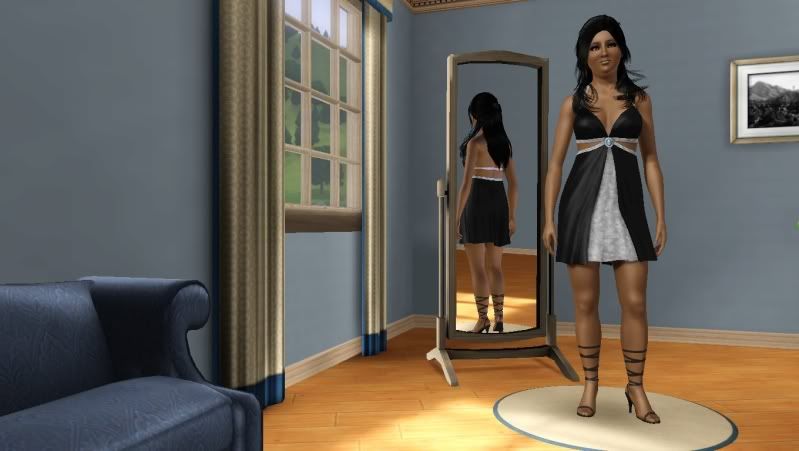
Claudia--the baby doll inspired sim
Claudia
Everyday Wear
Evening Wear
Sleep Wear
Exercise Wear
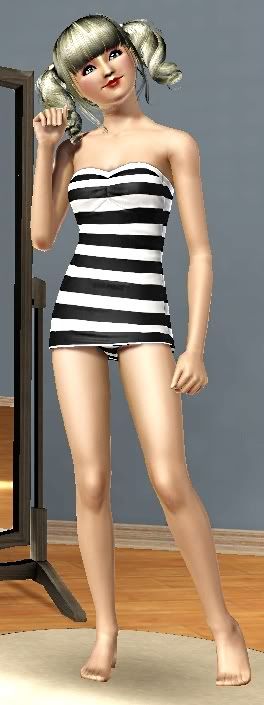
Swim Wear
Claudia's Custard Pic
Download here via Mediafire: Claudia--the baby doll inspired sim
Thursday, March 31, 2011
I'm getting ready to pick a new house to build for my simmies, and upload to my blog. Which of these 5 houses would you like to see me attempt to build? Take a look at the homes and then go to the poll and vote! :D
Luxurious Craftsman Home Plan
http://www.architecturaldesigns.com/craftsman-home-plan-14440rk.asp]link%20to%20home%20and%20houseplan
Stunning Design
Charming Craftsman Cottage
http://www.architecturaldesigns.com/craftsman-home-plan-16851wg.asp]link%20to%20home%20and%20houseplan
Complete with Outdoor Living Room
http://www.architecturaldesigns.com/craftsman-home-plan-23360jd.asp#5f566eed-76ae-4661-84b6-abcb39290b2e]link to home and houseplan
Luxurious Craftsman Home Plan
http://www.architecturaldesigns.com/craftsman-home-plan-14440rk.asp]link%20to%20home%20and%20houseplan
U-Shaped Home With Virtual Tour
http://www.architecturaldesigns.com/craftsman-home-plan-23195jd.asp]link%20to%20home%20and%20houseplan
Now that you've seen the houses, go to Help me pick which house! to vote which one you like the most! :mrgreen:
Tuesday, March 22, 2011
The House That Love Built
Hi! Here is the "The House That Love Built" house. I named it because I have a newly-wed sim couple that are expecting their first child, and have a butler, and felt they needed more room. So I built this house for them. This version is just a shell. The kitchen had been started, but it's not a lot. It's probably my favorite (Large) home I've built so far. So have fun, not only playing the house, decorating it!
Download here via mediafire: http://www.mediafire.com/?aikcqemmd8vh533
Monday, March 21, 2011
CC-Free Vacation at Home
CC-free version of my "Vacation at Home" house.
Will still need all EP's and SP's however.
Passes Custard testing.
Enjoy!
Download Mediafire: http://www.mediafire.com/?qt5g3jufaye7hdm
Thursday, March 17, 2011
Vacation at home
I got a lot of compliments on my "Vacation at Home" house, but one thing a few people didn't like was how much CC I had put into it since they don't use CC and didn't want to download the CC. I will try to get a non-CC version of the house up either here or on the exchange within the next week (there is a lot of CC I need to go through, and with a 17 month old that could take a while). As soon as I get it done and up, I will post an update. I will try in the future, put up a non-CC version along with the CC version of my creations so it's not confined to just users who like CC, but so those who do not want CC in their game can also enjoy the sims and lots. :)
Thanks for all the wonderful comments on the sims website for my house and other creations. They are much appreciated.
Wednesday, March 16, 2011
Vacation at Home
Why go on vacation when you can go on "vacation" without leaving the comfort of your home. 60 x 60 lot with a beautiful sunset setting every night in Sunset Valley. Plenty of room on lot to add a garden, nectary, or play area.
Ran through Custard and passes. Lots of CC.
See more pictures here: http://forum.thesims3.com/jforum/posts/list/0/353836.page#4893878
Download here
at mediafire: http://www.mediafire.com/?ie6j8bmqunyzva9
Saturday, March 12, 2011
Welcome back Mares!
So happy to see that The Mares Nest has returned to us this morning after being "private" for nearly a month. Oh how I've missed reading your blog! I cannot wait to see what you guys post about the chaos that is happening over the two videos being leaked for "Generations" and "Unleashed".
You may have a lot of hateful viewers (you know they want to admit that they love reading your blog), but you get a big warm welcoming from this simmer. <3
Monday, February 14, 2011
"Eating fried pickles was a life changing experience".
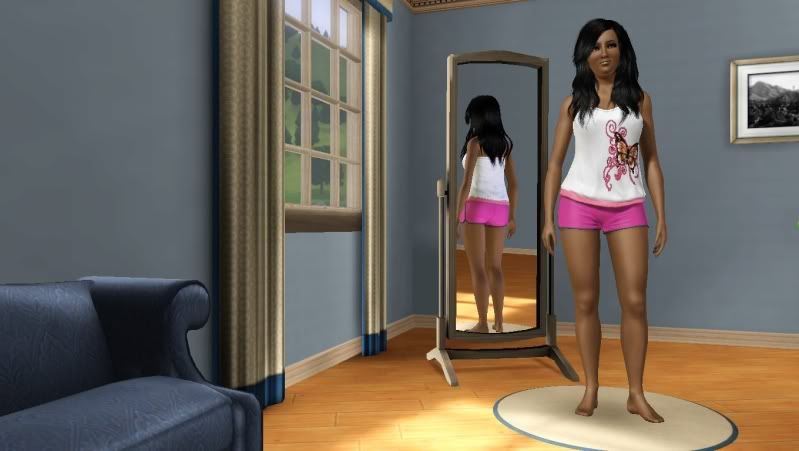
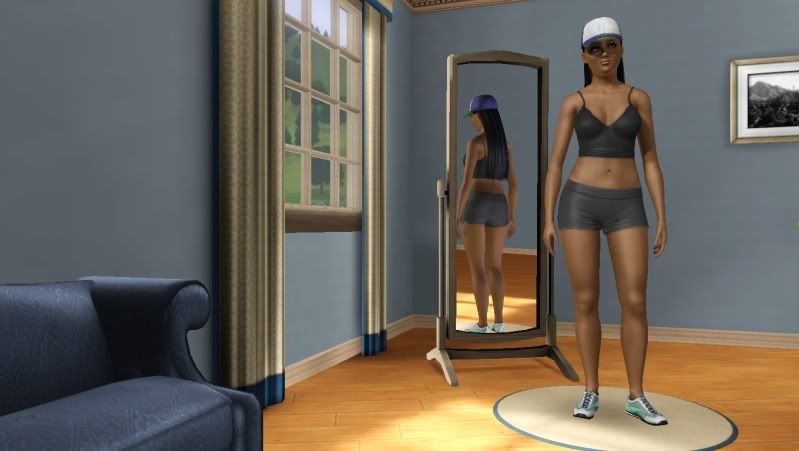
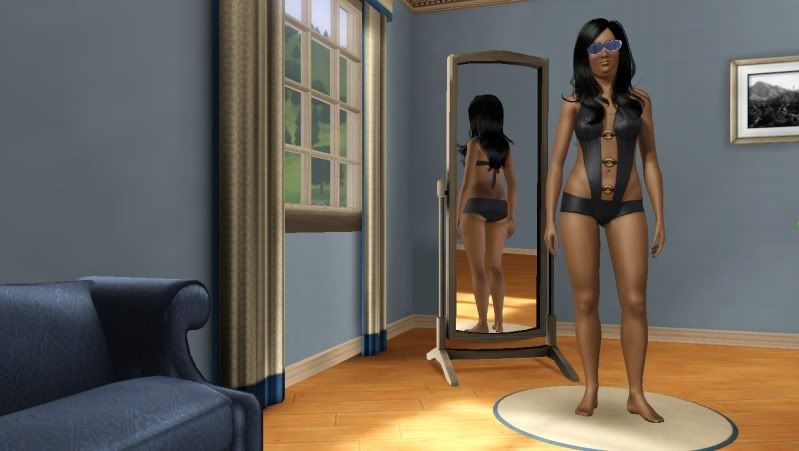
Snooki from Jersey Shore
List of CC I used on Snooki
List and links to CC:
CC for Snooki:
LadyFrontbum (on MTS)
"cheeky blush duo"
http://www.modthesims.info/d/410259
"Naughty & Nice Female Skins"
(not sure I can link to it...)
Evie
Eyebrow--brows 7-16
http://eviesims.blogspot.com/search/label/Brows
Peggyzone
hair--
(everyday and swimsuit hair)
http://peggyzone.com/Sims3Detail.html?id=000441&sortId=00
(evening hair)
http://peggyzone.com/Sims3Detail.html?id=000110&sortId=00
Cazy
Hair--sleepwear hair
Cazy HM#25 - Forever is Over - S3
http://cazyxdarkplace.blogspot.com/2010/11/cazy-hm25-forever-is
-over-s3.html
dutch_1991 on MTS
Eyes--MTS Anne Hathaway pack (not sure if it came in the anne hathaway .rar or the beauty pack. rar...not necessary for Snooki (just preference), she looks just fine with EA default eyes.
http://www.modthesims.info/download.php?t=432414
Unfortunately I'm not sure where I got her tanktop that she is wearing for her workout outfit...
CC for Snooki:
LadyFrontbum (on MTS)
"cheeky blush duo"
http://www.modthesims.info/d/410259
"Naughty & Nice Female Skins"
(not sure I can link to it...)
Evie
Eyebrow--brows 7-16
http://eviesims.blogspot.com/search/label/Brows
Peggyzone
hair--
(everyday and swimsuit hair)
http://peggyzone.com/Sims3Detail.html?id=000441&sortId=00
(evening hair)
http://peggyzone.com/Sims3Detail.html?id=000110&sortId=00
Cazy
Hair--sleepwear hair
Cazy HM#25 - Forever is Over - S3
http://cazyxdarkplace.blogspot.com/2010/11/cazy-hm25-forever-is
-over-s3.html
dutch_1991 on MTS
Eyes--MTS Anne Hathaway pack (not sure if it came in the anne hathaway .rar or the beauty pack. rar...not necessary for Snooki (just preference), she looks just fine with EA default eyes.
http://www.modthesims.info/download.php?t=432414
Unfortunately I'm not sure where I got her tanktop that she is wearing for her workout outfit...
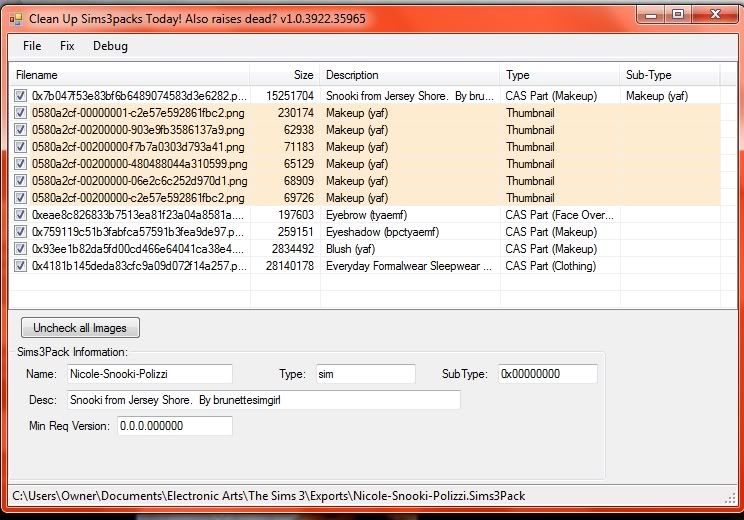
She has been run through Custard and is "clean"
She can be download...gasp!...here from my studio:
Subscribe to:
Posts (Atom)